
AI Solutions
Practical AI for
Microsoft 365 Teams
ALPHA IT provides AI adoption services and Microsoft Copilot implementation for organizations across Vancouver Island. ALPHA IT delivers Microsoft-aligned AI services that help organizations move from uncertainty to real-world use. We establish readiness first, then design and implement solutions that fit the way your team works.
The challenge
AI Is Already Inside Your Business.
Most Teams Just Don’t Know How to Use It.
When IT isn’t structured for AI adoption, efforts stay scattered — and the tools you’re already paying for don’t deliver the value they should.
Uncertainty slows adoption
Questions around data access in Microsoft 365, security, and managing new tools often slow things down before they start.
Efforts stay scattered
Without a plan, one team uses AI for summaries while another barely touches it. Copilot licences may be in place, but they don’t always lead to meaningful change.
AI stays at the edges
Without structure, efforts stay isolated. AI remains available but doesn’t deliver real value to your organization.
That’s where a structured approach makes the difference.
Book an AI readiness call →How we help
A Real Path to Getting Value from AI
ALPHA IT delivers Microsoft-aligned AI services that help organizations move from uncertainty to real-world use. Our approach is built on a simple principle: establish readiness first, then design and implement solutions that fit the way your team works.
We work with trades businesses, municipalities, First Nations organizations, and nonprofits to introduce AI in a thoughtful, controlled way — beginning with AI Jumpstart, then AI Projects, and extending into ALPHA Pay for integrated payment workflows.
Explore AI Jumpstart →01
Start with clarity
Understand your environment, risks, and opportunities. We assess your Microsoft 365 setup and identify exactly where AI can be applied safely.
02
Apply AI with purpose
Focus on real workflows, not isolated use cases. We deliver a working AI solution so you see value early — not just on paper.
03
Expand with control
Scale in a way that stays manageable. From custom automations to Copilot agents — built within your Microsoft 365 environment.
The result is AI introduced with intention — so it gets used, not left on the sidelines.
What’s included
Service Plans & Packages
ALPHA IT delivers AI services through core offerings designed to help organizations adopt AI in a structured and safe way within the existing Microsoft 365 environment.
AI Jumpstart
A guided engagement for organizations exploring AI and needing clarity on where to begin.
- Discovery session and guided workshop
- Microsoft 365 readiness review (security, data, permissions)
- Business Overview Report
- AI Readiness Assessment with defined maturity levels
- AI Compass: prioritized roadmap of opportunities
- One pilot AI solution (Copilot agent, automation, or training)
Outcome
Clear AI readiness, prioritized opportunities, and a working AI solution applied to a real workflow.
AI Projects
Custom AI solutions designed to improve workflows, reduce manual effort, and boost the value of Microsoft Copilot.
Custom Automations (Power Platform)
Design and implement secure workflows using Power Automate, Power Apps, and AI Builder to streamline repetitive and administrative processes.
Custom Copilot Agents
Copilot agents tailored to your organization’s data, processes, and rules — enabling consistent, context-aware support for users.
Custom Training & Adoption Enablement
Role- and task-specific training focused on how teams use Copilot in their actual work.
ALPHA Pay
A safe way to manage and integrate payment workflows within your organization’s operations.
- Designed to align with your Microsoft environment
- Supports financial processes without disrupting existing systems
- Manage payment activities with greater control and consistency
- Maintains alignment with governance and security requirements
Who it’s for
Organizations requiring integrated payment workflows as part of broader Microsoft 365 operations.
What this means for your team
Adopting AI Makes Work Easier, Faster, and More Consistent.
Doing it with ALPHA IT means risk is managed from the start.
With our approach, you see results right away. You gain a clear picture of what’s safe to use, where AI can help most, and how to move forward with confidence.
The result is AI that’s not just available — but used and trusted.
Clear foundations. Working solutions. Opportunity for expansion.
Productivity
Governance & Growth
Our approach
Built for Intentional AI Adoption
A practical method focused on clarity and long-term fit.
AI adoption doesn’t fail because of the technology — it fails when there’s no clear structure behind it. Without direction, tools get tested in isolation, usage varies across teams, and risks around data, access, and consistency start to grow.
ALPHA IT’s approach is built to avoid that. Instead of jumping straight into tools, we introduce AI deliberately by understanding your environment, setting boundaries for safe use, and applying it to existing workflows.
Start with clarity
Understand your environment, risks, and opportunities — before any tools are deployed.
Apply AI with purpose
Focus on real workflows, not isolated use cases. From there, adoption is expanded based on priority.
Expand with control
Scale in a way that stays manageable, with clear guidance that supports aligned usage across teams.
Vancouver Island context
Built for Organizations Across Vancouver Island
ALPHA IT works with trades businesses, municipalities, First Nations organizations, and nonprofits across Vancouver Island to introduce AI in a thoughtful, controlled way.
We’re helping Vancouver Island organizations put AI to work — safely and practically.

FAQ
AI Solutions FAQs
Common questions from organizations getting started with AI on Vancouver Island.
We’ve already started experimenting with AI. Do we still need something like AI Jumpstart?
Yes. Many organizations begin with informal pilots, but without structure they often lack consistency and a clear path forward. AI Jumpstart helps assess readiness and prioritizes next steps so efforts don’t stall after initial experimentation.
How do you ensure our data stays protected when using AI in Microsoft 365?
Solutions are built within your existing Microsoft 365 environment and follow your current permissions, data boundaries, and governance policies.
How do we decide where AI would actually be useful in our organization?
The discovery and workshop process is designed to uncover this. We review your workflows, identify where time is being lost, and highlight practical spots where AI can be applied.
How long does it take to see value from AI?
Most clients see early value right away during the AI Jumpstart working pilot. Because it’s applied to a real situation, teams experience tangible outcomes — time savings, improved consistency — before expanding further.
Will AI require major changes to how our team works?
No. AI solutions are designed to fit into existing workflows and enhance how teams already operate, rather than replace processes or introduce new systems.
How do you help with adoption across teams?
Adoption is supported through practical, role-based training and clear usage guidance. The focus is on helping users apply AI in ways that are relevant to their specific tasks.
What happens after the initial AI Jumpstart?
Organizations typically move into AI Projects to build on the foundation established during Jumpstart. This may include custom automations, Copilot agents, and tailored training aligned to the priorities identified in the roadmap.
Common questions
AI Solutions FAQ
What is Microsoft Copilot and how does it work with Microsoft 365?
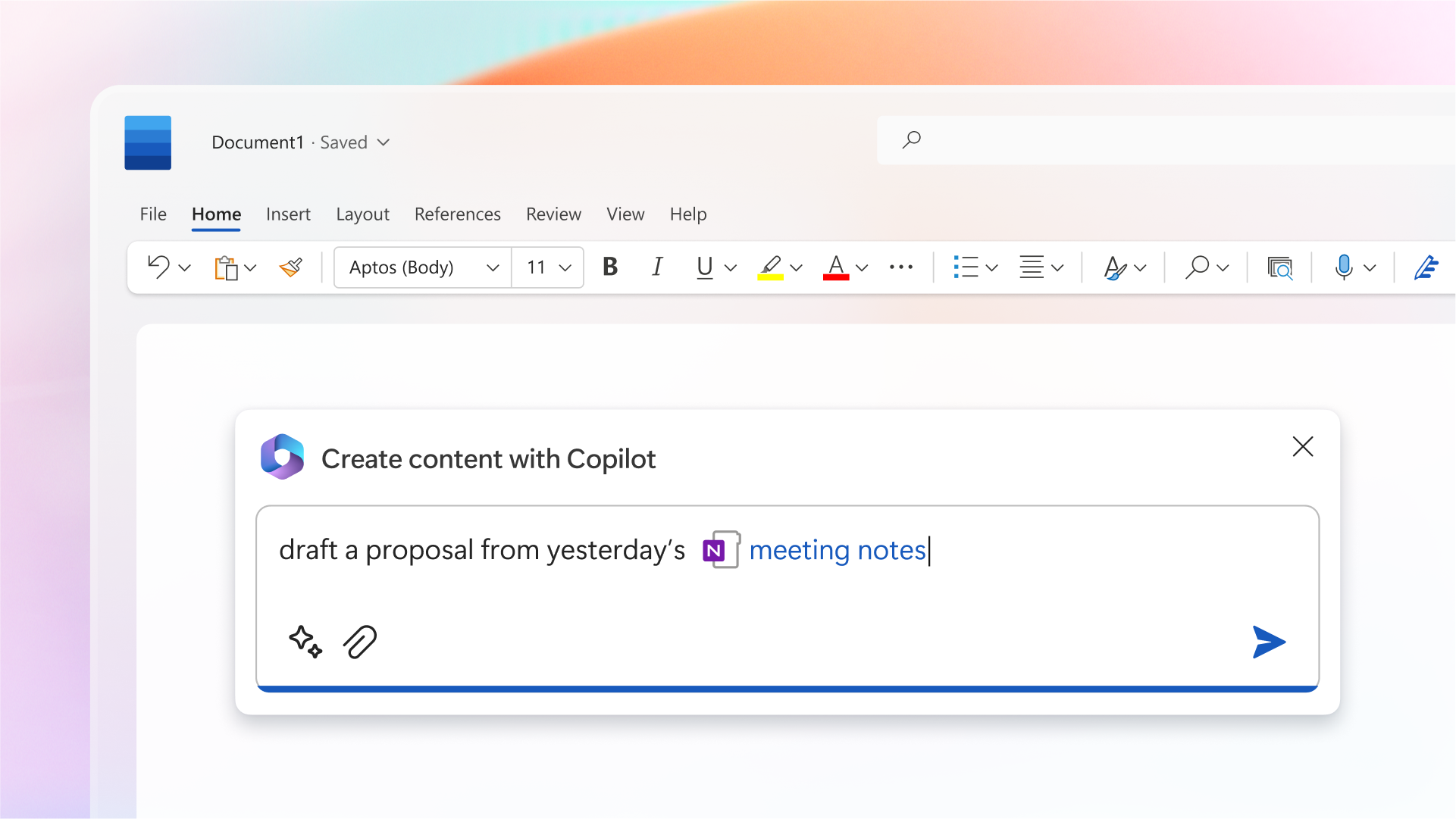
Microsoft Copilot is an AI assistant built into Microsoft 365 that works across Outlook, Word, Excel, Teams, and SharePoint. It can summarize meetings and email threads, draft documents and reports, analyze spreadsheet data, and surface relevant information from your internal files. Copilot works within your existing Microsoft 365 environment and respects the permissions already in place — it only surfaces information users are already authorized to access. Its effectiveness depends directly on how well your Microsoft 365 environment is organized and governed.
Is our organization ready to adopt AI?
AI readiness depends on how well your information environment is structured and governed before AI tools are introduced. Organizations with well-organized SharePoint environments, clearly defined permissions, current access controls, and consistent naming conventions are well positioned. Organizations with organic, unstructured file storage, outdated accounts with excessive access, or no data governance policies will find that AI exposes these gaps rather than working around them. ALPHA IT’s AI Jumpstart assesses your readiness and identifies what needs to be addressed before AI deployment begins.
What are the risks of staff using AI tools without guidance?
When staff use publicly available AI tools without oversight, there is a real risk of sensitive organizational data being submitted to external systems beyond your control. Meeting notes, client information, financial data, and internal documents uploaded to consumer AI tools may be processed or stored by third-party servers outside your governance framework. There is also the risk of staff relying on AI-generated outputs without appropriate review, creating accountability gaps. ALPHA IT helps organizations establish clear policies, approved platforms, and governance controls before AI use becomes widespread.
Do we need a large budget to start using AI?
No. For organizations already using Microsoft 365, significant AI capability is either already included or available at a modest incremental cost. Microsoft Copilot licensing is an add-on, but many automation and productivity improvements can be achieved through Power Automate and existing Microsoft 365 features before Copilot is introduced. ALPHA IT’s AI Jumpstart focuses on identifying where AI will deliver genuine value in your specific workflows rather than recommending broad tool purchases.
What is an AI Jumpstart and what does it include?
The AI Jumpstart is a focused half-day engagement where ALPHA IT assesses your Microsoft 365 environment, reviews your current workflows, and identifies specific opportunities where AI can improve productivity safely. You receive a written AI Readiness Report covering the state of your environment, identified workflow opportunities, governance gaps to address, and a prioritized set of next steps. There is no long-term commitment and no obligation to purchase additional tools as a result of the session.
How does AI adoption connect to cybersecurity and data governance?
AI tools operate within the access permissions already in place across your systems. If permissions are overly broad, outdated accounts remain active, or document libraries lack clear ownership, AI can surface information that was technically accessible but practically obscure. This makes cybersecurity and data governance a prerequisite for safe AI adoption, not a separate conversation. ALPHA IT addresses both together — ensuring your Microsoft 365 environment is governed correctly before AI tools are introduced at scale.
How much does Microsoft Copilot cost for Vancouver Island organizations?
Microsoft Copilot is available as an add-on to Microsoft 365 Business or Enterprise plans, currently priced at approximately $36 CAD per user per month. However, most organizations benefit from an AI Jumpstart assessment before purchasing Copilot licenses — ensuring your Microsoft 365 environment is ready and that Copilot will deliver genuine value for your specific workflows.
Let’s talk
Connect with your local AI experts
and find your first AI win.
Book an AI Readiness Call with our local team — no pressure, no obligation, just a clear picture of where you stand.